How to Log In to Leelu.ai
In this article we will see how to log into Leelu.ai
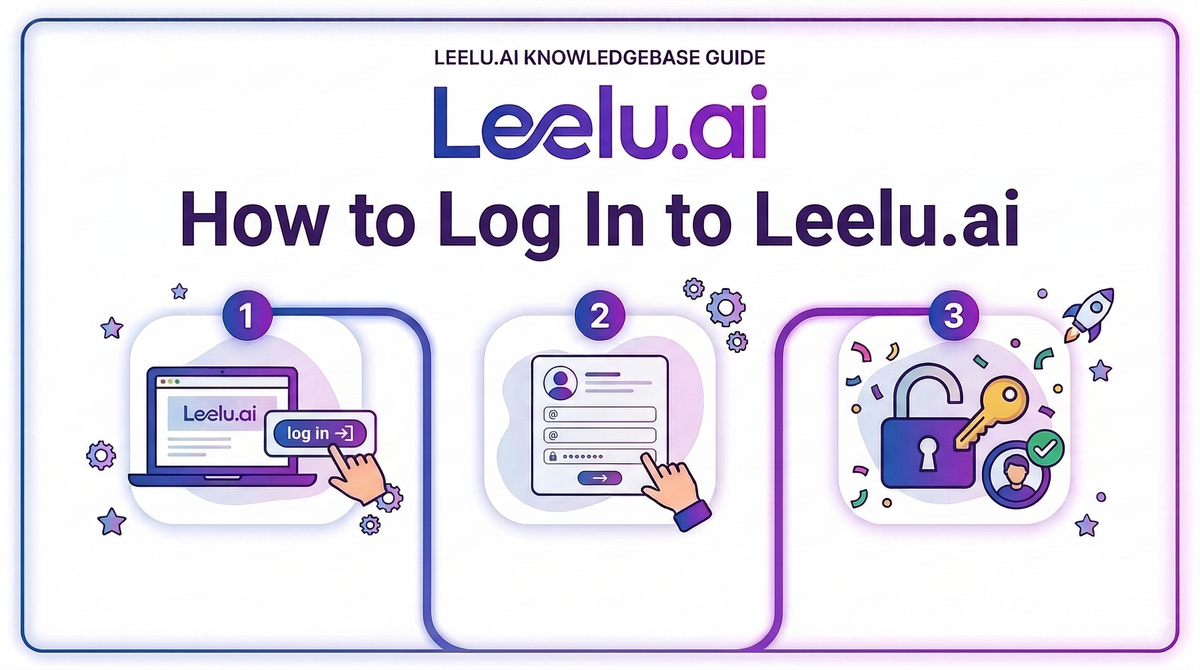
Access your Leelu.ai account quickly using Microsoft Single Sign-On or your email and password.
Login Options
Leelu.ai offers two convenient ways to access your account.
Option 1: Login with Microsoft
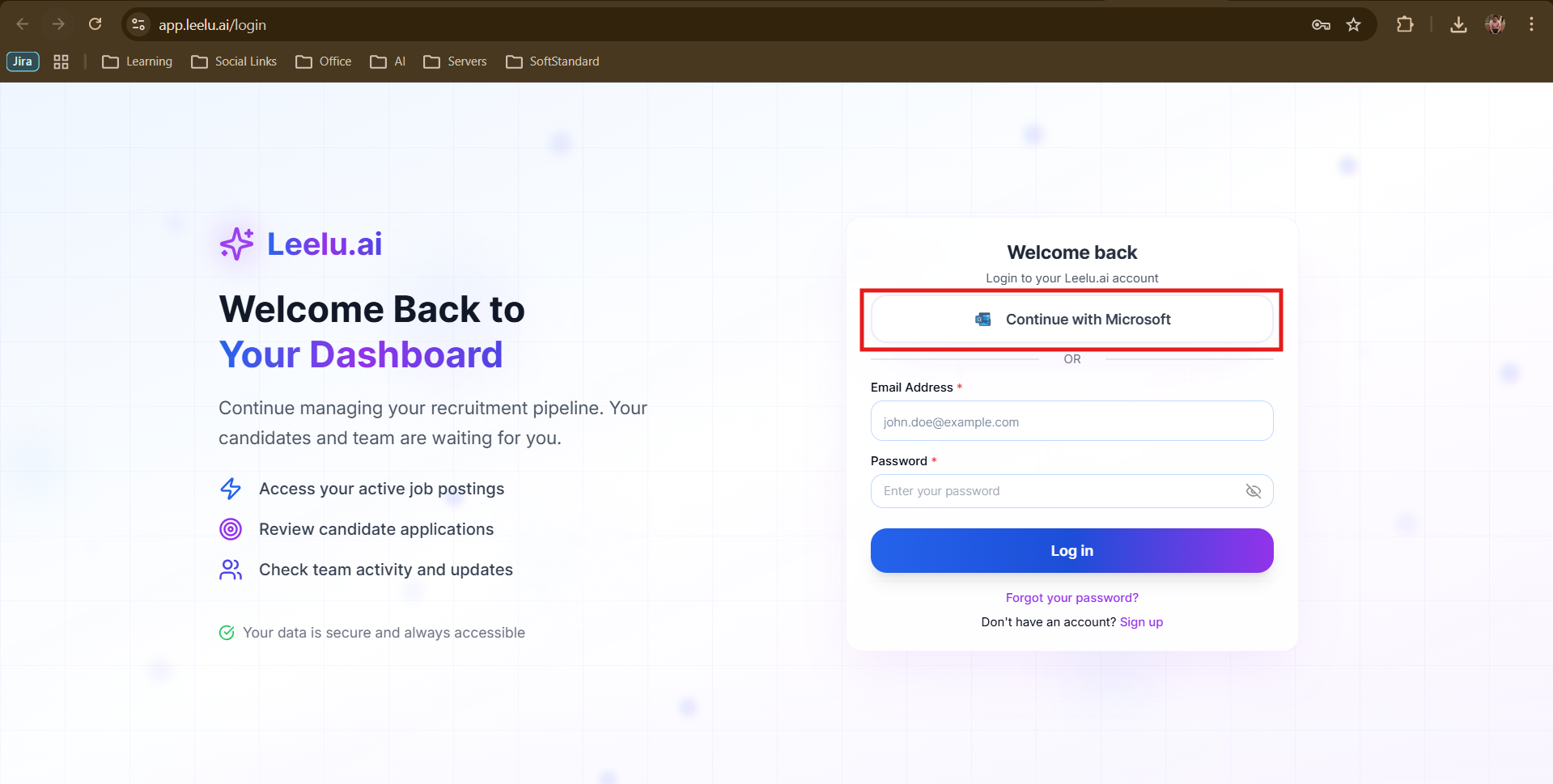
If you created your account with Microsoft SSO:
1. Navigate to app.leelu.ai/login
2. Click Continue with Microsoft
3. Authenticate with your Microsoft credentials
4. You'll be redirected to your dashboard
Option 2: Email and Password
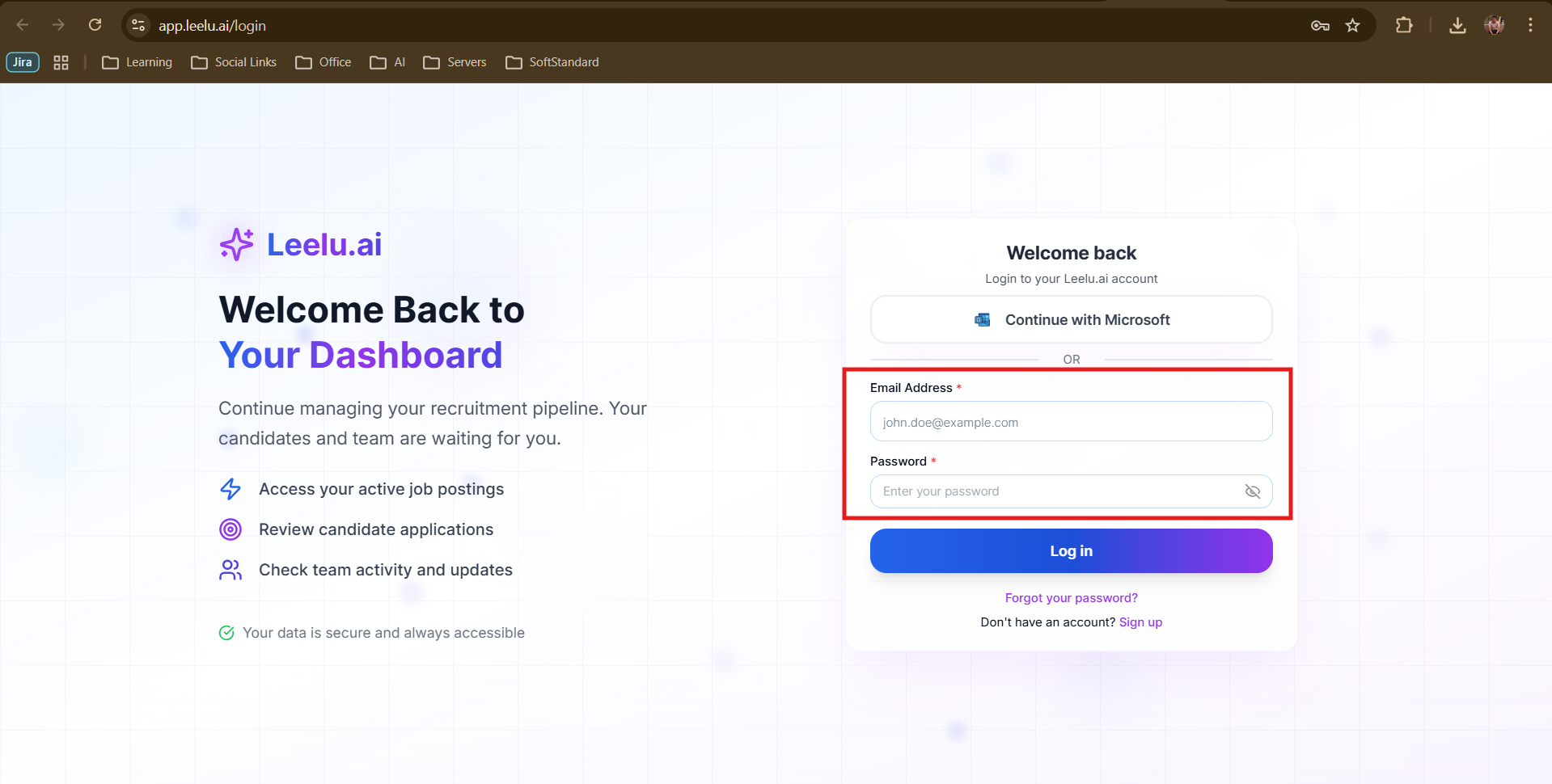
For accounts created with manual registration:
5. Go to app.leelu.ai/login
6. Enter your email address
7. Enter your password
8. Click Log in
Forgot Your Password?
If you can't remember your password, click the Forgot your password? link on the login page. You'll be guided through the password reset process.
Stay Signed In
Leelu.ai keeps you logged in across sessions for convenience. You can log out at any time by clicking your name in the top-right corner and selecting Logout.
Security Tip
Always log out when using shared or public computers to protect your recruitment data.