How to Reset Your Password
In this article, we will see how to reset your password
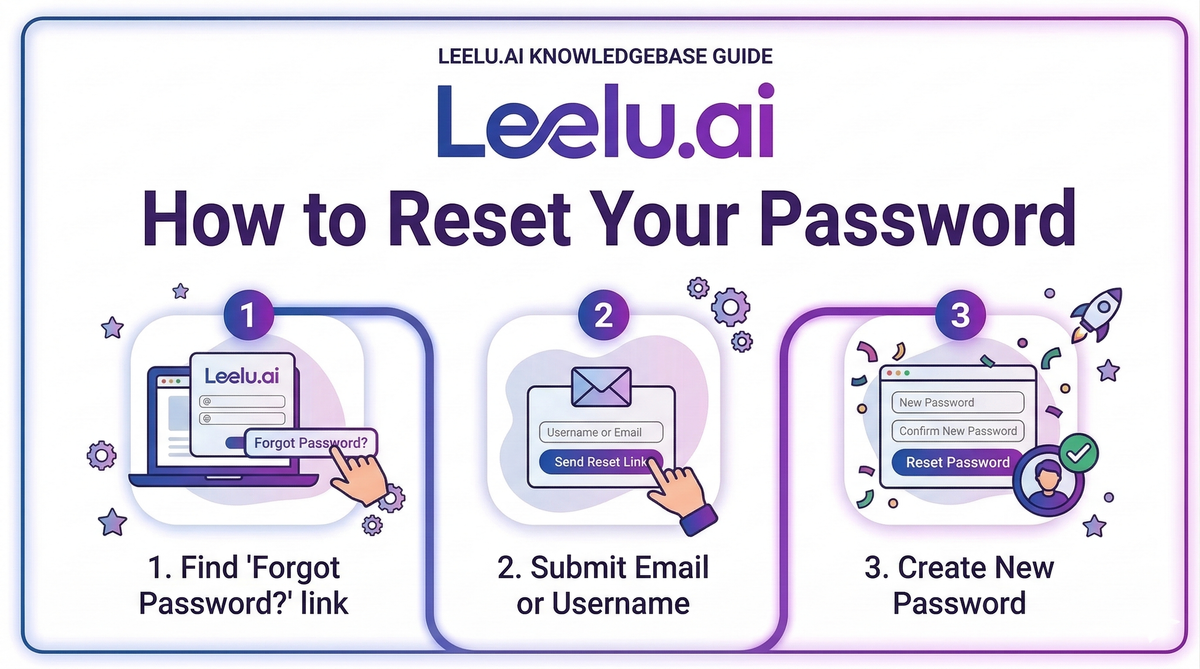
If you've forgotten your password or need to change it for security reasons, Leelu.ai makes password recovery simple and secure.
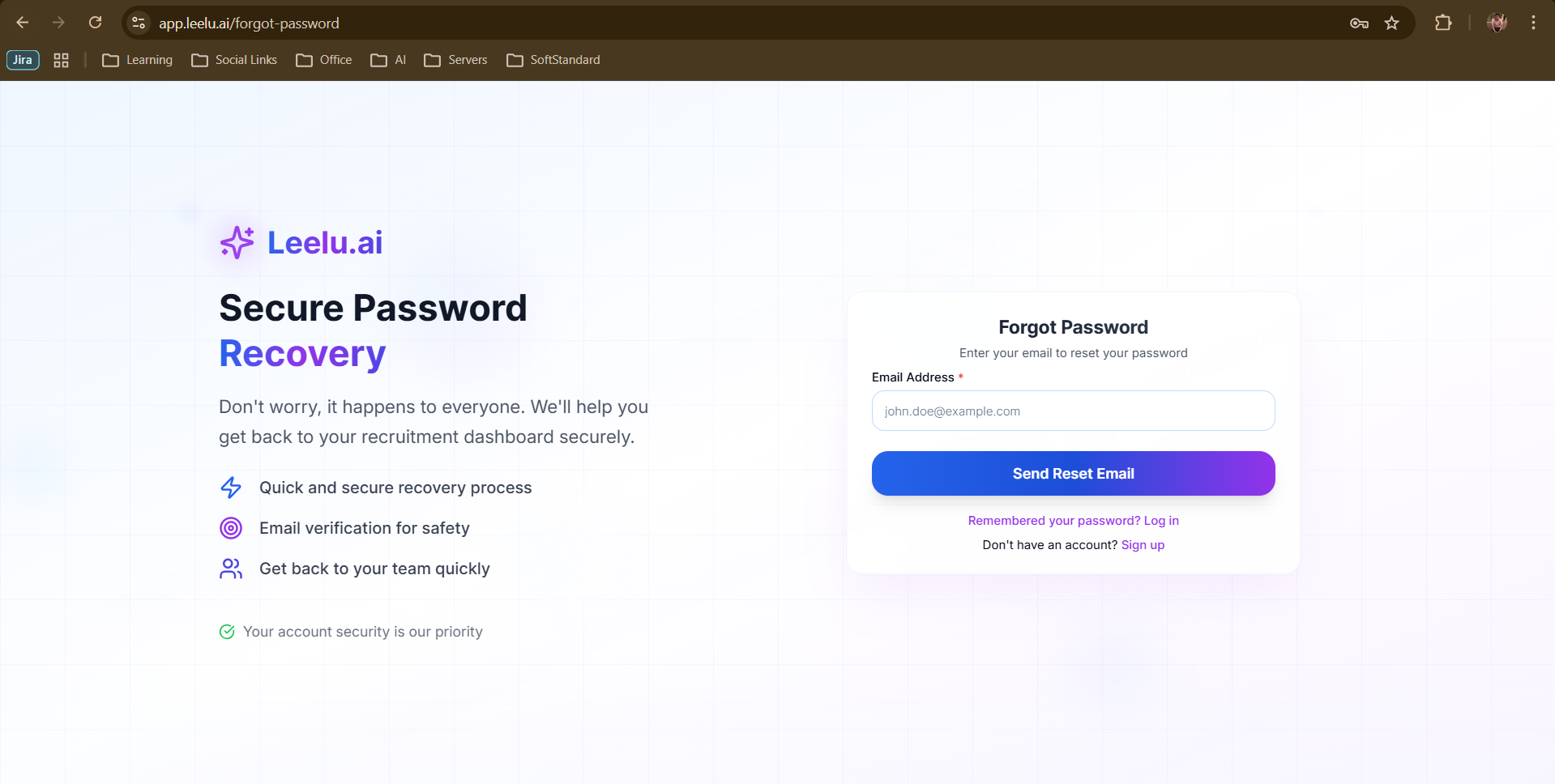
Resetting Your Password
The password reset process sends a secure reset link directly to your registered email address.
Step-by-Step Password Reset
1. Navigate to app.leelu.ai/forgot-password
2. Enter the email address associated with your Leelu.ai account
3. Click Send Reset Email
4. Check your email inbox for the password reset link
5. Click the link in the email
6. Create a new password
7. Confirm your new password
8. Click Reset Password
You'll be redirected to the login page where you can sign in with your new password.
Password Reset Email
The password reset email will arrive within a few minutes. If you don't see it:
• Check your spam or junk folder
• Verify you entered the correct email address
• Request another reset link by repeating the process
The reset link is valid for 1 hour for security purposes. If it expires, simply request a new one.
Creating a Strong Password
When choosing a new password:
• Use at least 8 characters
• Include uppercase and lowercase letters
• Add numbers and special characters
• Avoid common words or personal information
Still Having Trouble?
If you're unable to reset your password or don't have access to your registered email, contact Leelu.ai support for assistance.