Understanding the Leelu.ai Dashboard
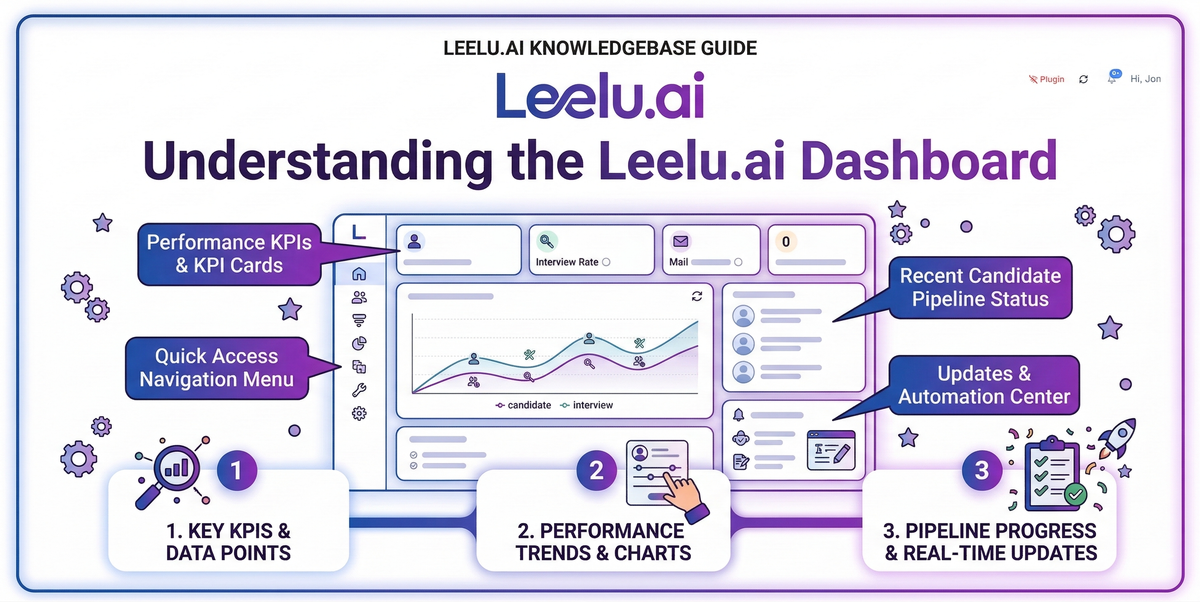
Your Leelu.ai dashboard is the central hub for monitoring recruitment activity, tracking candidate engagement, and managing your AI-powered campaigns.
Dashboard Overview
The dashboard provides a real-time view of your recruitment metrics and recent activity. It's the first page you see after logging in.
Key Metrics Cards
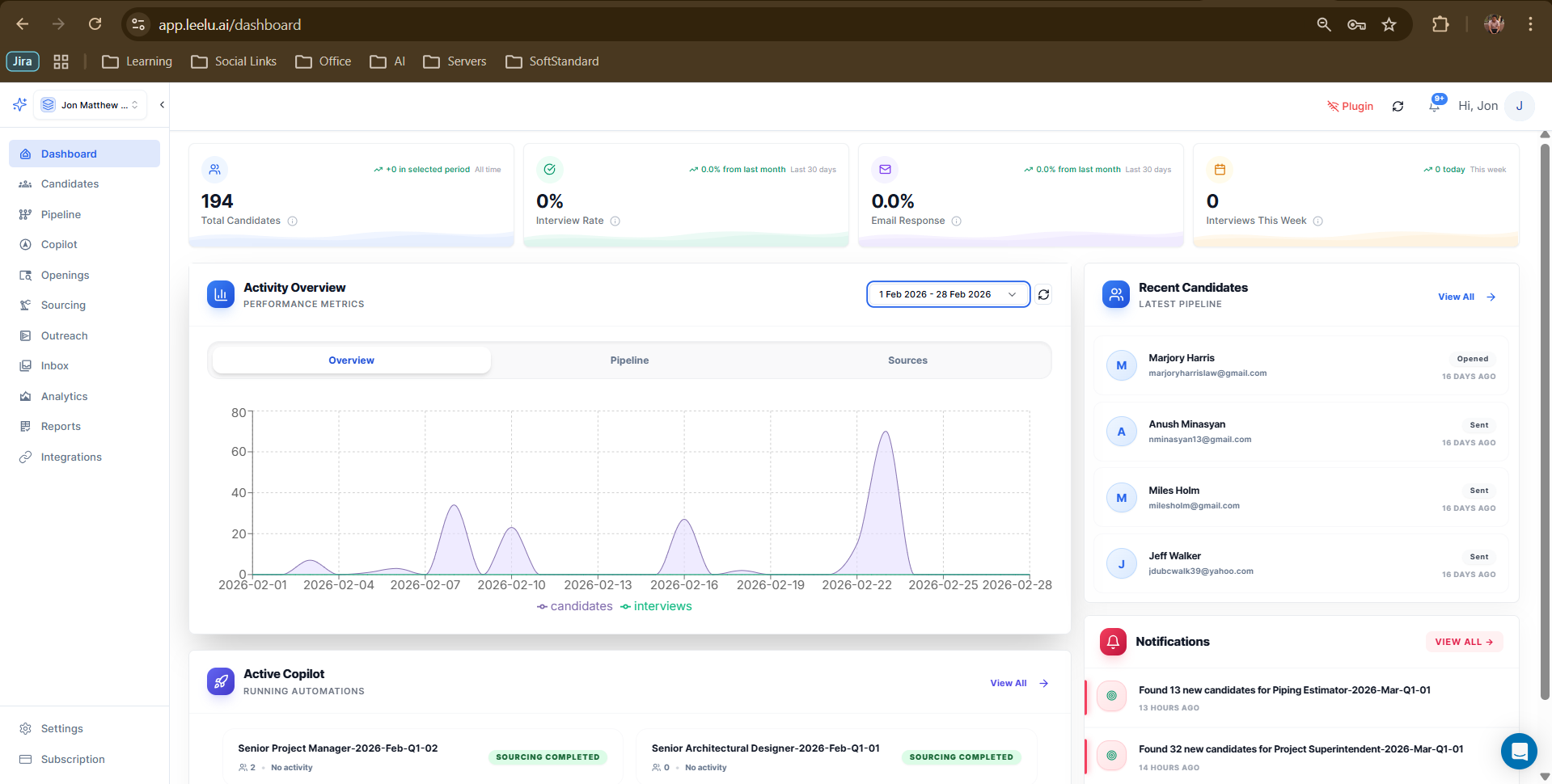
At the top of your dashboard, you'll find four summary cards showing your most important recruitment metrics:
Total Candidates
Shows the total number of candidates in your workspace, with a comparison to the previous period. This helps you track growth in your candidate pipeline.
Interview Rate
Displays the percentage of candidates who have progressed to the interview stage. Month-over-month comparison shows your improvement in candidate quality and engagement.
Email Response
Tracks the percentage of candidates who responded to your outreach emails in the last 30 days. Higher response rates indicate effective messaging and targeting.
Interviews This Week
Shows the count of interviews scheduled for the current week. This helps you plan your team's time and resources.
Activity Overview Section
The Activity Overview provides visual insights into your recruitment trends:
Date Range Selector
Choose the time period you want to analyze using the date range selector in the top-right corner. This allows you to focus on specific campaigns or time periods.
Overview Tab
The chart displays candidates sourced versus interviews scheduled over time. This visualization helps identify trends and optimize your recruitment strategy.
Pipeline Tab
View the distribution of candidates across different pipeline stages. This helps identify bottlenecks in your recruitment process.
Sources Tab
Analyze which sourcing channels (LinkedIn, job boards, internal database) are delivering the best candidates.
Sidebar Widgets
The right sidebar contains two important widgets:
Recent Candidates
Shows your latest pipeline additions with their current status. Click View All to see your complete candidate list.
Notifications
Displays recent system notifications and Copilot activity updates. The VIEW ALL link takes you to your complete notification history.
Active Copilot Section
At the bottom of the dashboard, you'll see your running AI Copilot campaigns. Each card shows:
• Campaign name and job opening
• Number of candidates sourced
• Real-time activity notifications
• Status updates
Click View All to access detailed Copilot analytics and settings.
Navigating from the Dashboard
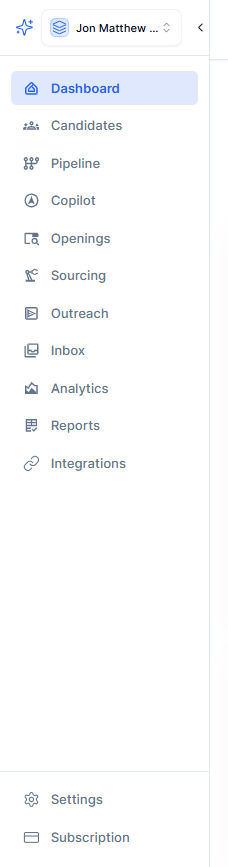
Use the left sidebar to access other Leelu.ai modules:
• Candidates - View and manage all candidates
• Pipeline - Visualize candidate progression
• Copilot - Configure AI automation
• Openings - Manage job postings
• Sourcing - Search for new candidates
• Outreach - Track email campaigns
• Inbox - Unified email management
• Analytics - Detailed performance reports
The dashboard updates in real time, so you always have the latest information on your recruitment activity.